


Your BMW, Always Connected.
The My BMW App has evolved from a simple convenience to a central command hub for your driving life. For 2026, the app integrates more deeply with your vehicle's hardware than ever before, offering a level of control that feels tailor-made for the Oklahoma lifestyle. Whether you're managing the logistics of a cross-country trip or want to escape the summer heat on Broadway Extension, the app puts the power of BMW engineering in your pocket.
From the quiet suburbs of Mustang to the bustling streets of Bethany, BMW owners are using this digital ecosystem to solve daily challenges. In this guide, we'll walk you through the three pillars of the 2026 My BMW experience: the comfort of Remote Start, the hands-free security of Digital Key Plus, and the expansion of Charging options, now including access to the Tesla Supercharger network.
By mastering these tools, you aren't just driving a vehicle—you're managing a smart, connected environment that anticipates your needs before you even open the garage door.
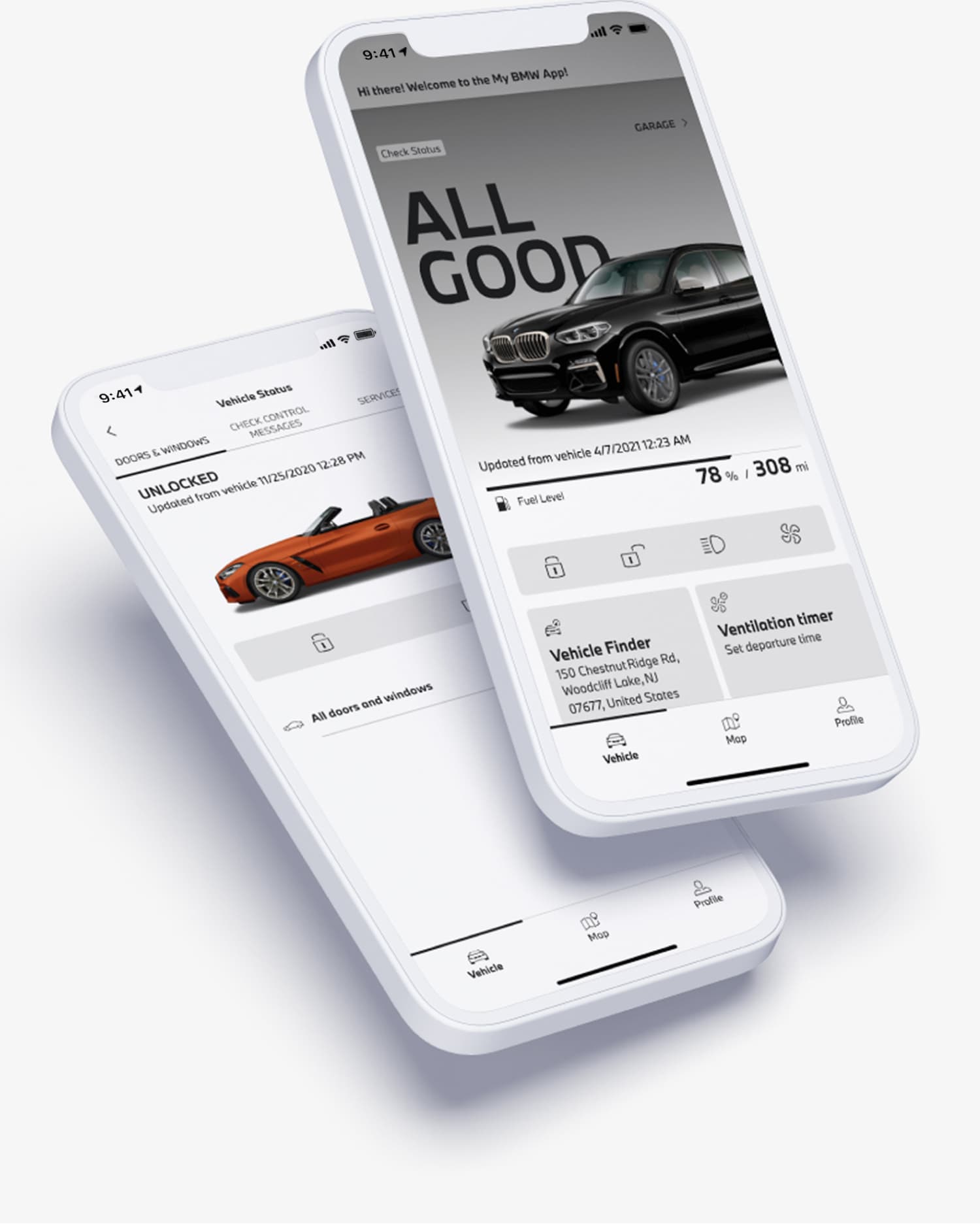
Mastering Remote Start: Comfort Before You Climb In
Using remote start through the My BMW App is remarkably straightforward yet technically refined. Once your BMW is paired with the app and your ConnectedDrive subscription is activated, you gain immediate access to this function from your smartphone. The app communicates securely with your vehicle via BMW’s proprietary cloud network, enabling you to start the engine or activate the electric climate control system remotely. This capability is invaluable during seasonal weather changes common in suburban Oklahoma, where pre-heating or cooling can significantly improve comfort and convenience.

Seamless Climate Integration
The remote start feature integrates with your BMW's advanced climate control system, allowing you to schedule when your vehicle should begin warming or cooling. For residents commuting from Bethany, this means you can ensure your BMW is cozy or refreshingly cool by the time you leave, enhancing both driver and passenger comfort.
Additionally, the app provides real-time feedback on your vehicle's status, confirming when the remote start is active and the climate control is operating, so you remain fully informed no matter your location.

Security You Can Trust
Security is paramount in the design of the remote start functionality. BMW employs multi-layered encryption and authentication protocols to protect access, ensuring only authorized users can operate the vehicle remotely. This is especially critical in communities like Mustang, where peace of mind while operating a vehicle is as important as convenience. The app also limits the remote start to certain timeframes and conditions—such as requiring the vehicle to be locked before activation—to prevent unauthorized use or safety hazards.
Moreover, the remote start feature is compatible with a broad range of BMW models manufactured from 2014 onward, making it accessible for many drivers in the Edmond area. It’s designed to complement your active lifestyle, whether you’re heading to a professional meeting in downtown Oklahoma City or taking a weekend escape. The ability to remotely prepare your car enhances efficiency and comfort, reinforcing BMW’s commitment to delivering a premium driving experience that adapts to your daily routine.
How to Set It Up
-
1
Check Your Settings: Inside your BMW's iDrive menu, navigate to Car > Settings > Climate Control > Remote Engine Start and ensure "Starting Engine for Climate Control" is checked.
-
2
Open the App: On the My BMW App home screen, look for the "Fan" icon or the "Remote Start" button.
-
3
Activate: Tap the button and confirm. Your BMW will run for 15 minutes to reach your last-set temperature.
-
4
Pro Tip: You can also use the "Plan Ventilation" feature to schedule a start time — perfect for your morning commute to downtown Oklahoma City.
Unlocking Convenience: Understanding BMW Digital Key Plus and Device Requirements
BMW Digital Key Plus elevates access to your vehicle by transforming your smartphone into a sophisticated keyless entry and ignition tool. Unlike the standard Digital Key, Digital Key Plus leverages ultra-wideband (UWB) technology, enabling precise spatial awareness and secure communication between your compatible device and your BMW. This advanced technology allows you to unlock and start your vehicle simply by approaching it, without needing to physically remove your phone from your pocket or bag.
To fully utilize Digital Key Plus, your device must meet specific technical requirements. BMW currently supports Digital Key Plus on select Apple devices running iOS 16.1 or later. This includes iPhone models starting from the iPhone 11 series and newer, all equipped with the necessary UWB chip. The integration ensures enhanced security through encrypted data exchange and resistance to relay attacks, addressing concerns often associated with traditional keyless systems.
Setting up Digital Key Plus is seamless within the My BMW App, where you can also manage key sharing with family or colleagues, enabling them to secure access without handing over a physical key. This feature is especially beneficial for busy professionals in Edmond or Mustang who value both convenience and security in their daily routines.
How to Set It Up
1
Preparation: Bring both physical key fobs into the vehicle and ensure the
engine is off.
Bring both physical key fobs into the vehicle and ensure the engine is off before beginning the pairing process. This is a required security step that confirms you are the authorized owner of the vehicle.
2
In the App: Open the My BMW App, tap the "Digital Key" tile, and select
"Set up your Digital Key."
Open the My BMW App, tap the "Digital Key" tile on the home screen, and select "Set up your Digital Key." Ensure Bluetooth and NFC are enabled on your device before proceeding.
3
Pairing: Follow the prompts on your phone and the BMW iDrive screen, or
scan the QR code on the Setup Card.
Follow the on-screen prompts on both your phone and the BMW iDrive display. On many 2026 models, you can simply scan the QR code on the "Setup Card" provided at delivery to complete the pairing instantly.
4
Device Compatibility (2026): iPhone 11+ (iOS 16.1+) or select Android
devices with UWB chip.
Apple: iPhone 11 or newer running iOS 16.1 or later.
- Android: Samsung Galaxy S23 through the new S26 series and Google Pixel 7 through Pixel 10.
- Note: Your phone must have a UWB chip. Older phones may still work as a standard "Digital Key" (requiring a tap on the door handle) but won't have the hands-free "Plus" functionality.

For those with compatible devices, Digital Key Plus represents a step forward in BMW’s commitment to integrating cutting-edge technology with everyday usability. If you have questions about device compatibility or wish to explore vehicles equipped with this feature, our team at Jackie Cooper BMW is ready to assist.
Smart Charging Solutions: Navigating EV Charging and Public Stations via the My BMW App

Seamless Charging Management: How the My BMW App Enhances Your EV Ownership Experience

Live Charge Status
The My BMW App transforms electric vehicle ownership by providing comprehensive charging management tools tailored to your dynamic lifestyle in Edmond and Mustang. Through the app, you can monitor your BMW’s current charge level in real time, allowing precise control over when and how your vehicle charges. This capability is invaluable for planning drives with confidence, especially in suburban areas where convenience and reliability are paramount.

Smart Session Timing
Additionally, the app optimizes energy use by aligning with off-peak electricity rates by allowing you to schedule charging sessions either at home or at public stations. Its intelligent charging management integrates with BMW’s network of public chargers, enabling effortless access to stations and seamless payment without multiple accounts. This system uses international standards, like 'Plug & Charge.' This means your car can connect to certain chargers and automatically start charging safely.
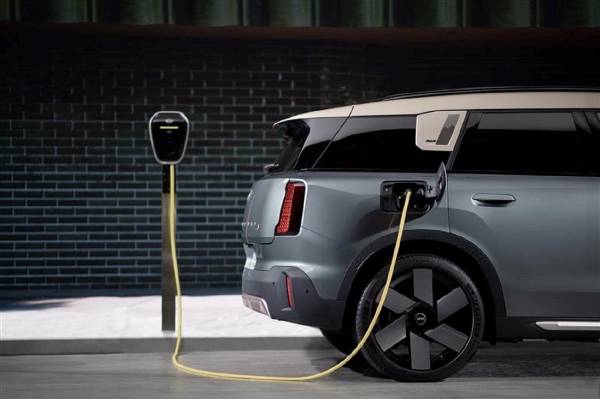
Auto-Auth Charging
For those who prioritize efficiency, the app also tracks charging history and offers notifications to prevent overcharging or unnecessary energy use. This ensures your BMW maintains optimal battery health while providing the flexibility to adapt charging strategies based on daily routines or unexpected trips outside Edmond.
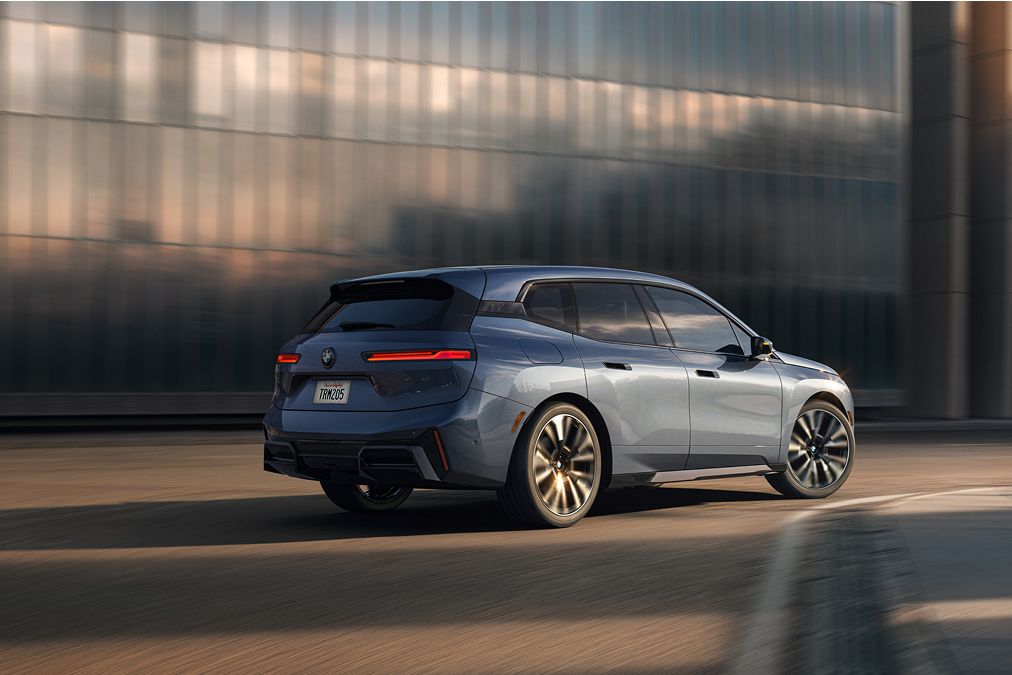
If you're ready to enhance your electric driving experience or want to explore the latest electrified models, browse our New X5 SRPs or our New X7 SRPs, or use our Value Your Trade tool to upgrade seamlessly.
Optimizing Your BMW Experience: Service, Financing, and Vehicle Options at Jackie Cooper BMW
At Jackie Cooper BMW, we prioritize delivering a seamless ownership experience for drivers across Edmond, Mustang, and Bethany. Our Service Department offers expert maintenance and repairs, ensuring your BMW performs with precision and reliability. Take advantage of our current Service Specials designed to keep your vehicle in prime condition.
When considering a new or certified pre-owned BMW, explore our extensive selection of All New Vehicles and discover exclusive New Vehicle Specials. For tailored financing solutions, visit our Finance Offers and All Used Vehicles inventories to find the perfect BMW for your lifestyle. Whether you prefer the dynamic handling of our sedans or the versatility of our SUVs, Jackie Cooper BMW is here to support your driving journey every step of the way.